
Simple Steps to Book a Session Online - Listenr Session Booking Tips

Booking a session online can feel overwhelming at first, especially when seeking a safe and supportive space to share your thoughts and feelings. However, the process is often straightforward and designed to be user-friendly. I want to guide you through simple steps that will help you feel confident and comfortable when arranging your session. This way, you can focus on what matters most - finding the support you need.
Understanding the Importance of Online Session Booking Tips
When you decide to reach out for empathetic listening and support, the first step is often to schedule a session. Online booking systems are created to make this easier, but it helps to know some practical tips to navigate them smoothly.
Choose a trusted platform: Look for websites that emphasize privacy, safety, and non-judgmental support.
Check availability carefully: Many platforms show real-time calendars so you can pick a time that suits you best.
By keeping these points in mind, you can approach the booking process with calm and clarity.
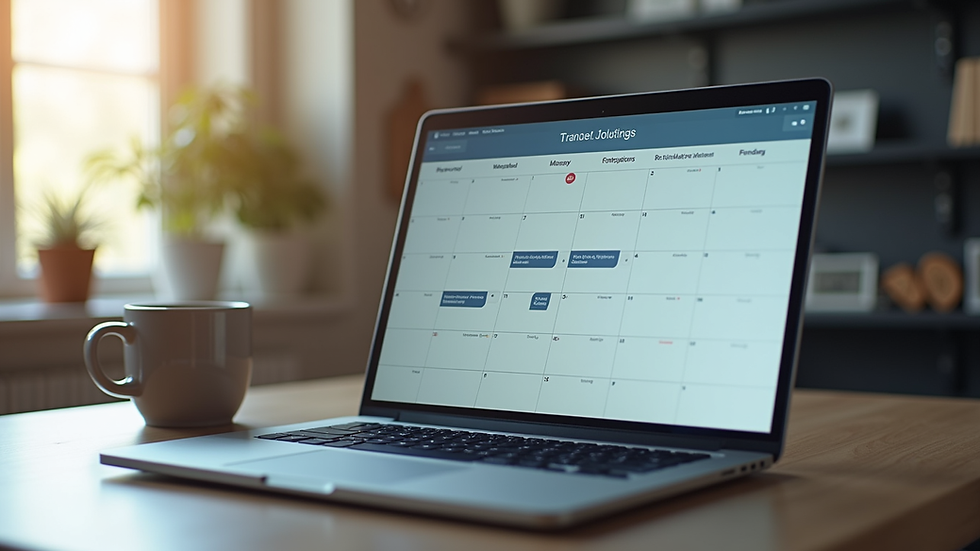
Step-by-Step Guide to Book a Session Online
Booking a session online usually involves a few clear steps. I will walk you through a typical process that you might encounter on a supportive platform.
Visit the website: Start by navigating to the #listenr's homepage.
Create an account or log in: Many services require you to register to keep your information secure.
Browse available listeners or counsellors: Profiles often include specializations, experience, and user reviews.
Select a date and time: Use the calendar tool to find a slot that fits your schedule.
Confirm your booking: Review the details and submit your request.
Receive confirmation: You will usually get an email or notification with session details and instructions.
Following these steps carefully ensures that your session is booked without confusion or delay.
Is it book an appointment or book a session ?
This question often arises when discussing scheduling sessions. The phrase "book an appointment" is the correct and commonly used expression when arranging a meeting or session with a professional. It implies reserving a specific time slot in advance.
In the context of online support sessions, "book a session" is a similar phrase that is often preferred because it feels less formal and more personal. Both phrases are acceptable, but "book a session" aligns well with the warm and supportive nature of empathetic listening services.
Tips for a Smooth Online Booking Experience
To make your online booking experience as smooth as possible, consider these additional tips:
Use a reliable internet connection: This prevents interruptions during the booking process.
Have your calendar handy: Double-check your availability before selecting a time.
Read cancellation policies: Knowing these can save you stress if plans change.
Prepare payment details in advance: Many platforms require payment at the time of booking.
Check for reminders: Some services send automatic reminders via email or SMS.
These small steps can help you avoid common pitfalls and ensure your session is set up just as you need it.

What to Expect After You Book a Session
Once you have completed the booking, it is natural to wonder what happens next. Here is what you can typically expect:
Confirmation message: This will include the date, time, and any instructions for joining the session.
Pre-session information: Some platforms provide tips on how to prepare or what to expect.
Technical checks: If your session is online, you might be encouraged to test your device and internet connection.
A reminder: Usually sent a day or a few hours before your session.
Support availability: Contact details in case you need assistance before or during the session.
Knowing these steps can help you feel more at ease and ready to engage fully when the time comes.
Embracing the Opportunity to Connect
Booking a session online is more than just a technical task. It is a meaningful step toward finding a safe, non-judgmental space where you can share your thoughts and feelings. By following these simple steps and tips, you can approach the process with confidence and calm.
If you are ready to take that step, you can Book a session today and begin your journey toward positive personal growth and support.
Remember, the process is designed to be accessible and supportive, just like the sessions themselves. Take your time, follow the steps, and know that help is just a few clicks away.


Comments